


A tablet press machine is a key piece of equipment in solid dosage manufacturing. Its performance directly affects tablet weight, hardness, thickness, appearance, and production efficiency. When a tablet press machine is not correctly adjusted, common defects such as capping, lamination, soft tablets, weight variation, sticking, and picking may occur.
However, not every tablet defect is caused by the tablet press machine itself. Powder properties, granulation quality, moisture content, lubricant distribution, tooling condition, compression force, turret speed, and feeder performance can all influence the final result. Effective troubleshooting therefore requires a systematic review of both equipment and process conditions.
A tablet compression machine should operate within an established and validated range. When a problem appears, operators should avoid making several adjustments simultaneously because this can make the actual cause difficult to identify. Instead, the problem should be isolated, the relevant machine parameters checked, and one adjustment made at a time.
This guide summarizes common tablet defects and tablet press machine faults, explains their likely causes, and provides practical equipment adjustment approaches for pharmaceutical production.
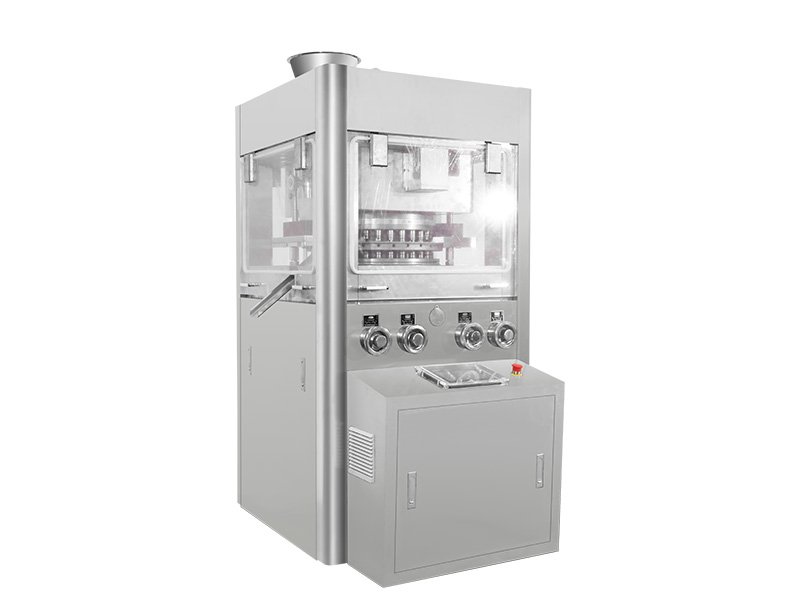
Tablet Press Machine Faults and Common Tablet Defects
Before adjusting a tablet press machine, operators should first identify the exact defect. Different tablet problems can have similar visual symptoms but require completely different corrective actions.
For example, a tablet that breaks during ejection may have insufficient mechanical strength, while a tablet that separates horizontally during compression may be experiencing capping or lamination. Similarly, tablet weight variation may result from inconsistent powder feeding rather than incorrect compression force.
Common problems include:
| Tablet problem | Typical symptom | Possible equipment-related cause |
|---|---|---|
| Capping | Top or bottom separates | Excessive air entrapment, unsuitable speed, compression setting |
| Lamination | Tablet separates into layers | Air retention, compression profile, tooling condition |
| Soft tablets | Low mechanical strength | Insufficient compression force or poor powder bonding |
| Weight variation | Uneven tablet weight | Unstable feeding or fill-depth variation |
| Sticking | Material adheres to punch | Feeding, lubrication, moisture, or tooling issue |
| Picking | Material remains in punch engraving | Punch condition, formulation, or compression issue |
| Chipping | Tablet edges break | Ejection, tooling, or formulation problem |
This table should be treated as a troubleshooting starting point rather than a diagnosis. The same defect can have multiple causes, and corrective action should be based on process data.
Tablet Press Machine Troubleshooting for Capping
Capping occurs when the upper or lower portion of a tablet separates from the main tablet body, usually around the horizontal plane. It is one of the most recognizable compression defects.
A tablet press machine can contribute to capping when the compression cycle does not allow sufficient deaeration or when the powder is compressed too aggressively for the formulation. Excessive turret speed can also reduce the time available for powder to consolidate and release trapped air.
Before changing major machine settings, operators should check the formulation and granulation because poor compressibility can produce capping even when the equipment is operating correctly.
Tablet Press Machine Adjustments for Capping
The following adjustment sequence can help identify equipment-related causes:
- Check punch and die condition for wear, damage, or contamination.
- Verify that the powder feeder is supplying material consistently.
- Check the current turret speed and compare it with the approved operating range.
- Review pre-compression and main-compression settings.
- Make controlled adjustments and inspect tablet appearance and mechanical properties.
- Record the change and confirm whether the defect rate improves.
Reducing turret speed may sometimes improve powder consolidation by providing more time for the material to pass through the compression cycle. Adjusting pre-compression may also help remove entrapped air before the main compression stage.
The correct direction and magnitude of adjustment depend on the formulation, tooling, and machine design. Upstream processing equipment, such as an industrial pulverizer machine, can also influence powder characteristics and ultimately affect compression performance. Operators should not assume that increasing compression force is always the correct solution.
Tablet Press Machine Troubleshooting for Lamination
Lamination occurs when a tablet separates into two or more distinct layers. It can resemble capping but may extend across a larger portion of the tablet.
A powder tablet press may produce lamination when air remains trapped in the powder bed or when the compressed material does not develop sufficient internal bonding. High machine speed, unsuitable compression conditions, excessive fines, and poor granule structure can all contribute. Similar compression issues should also be considered when operating a single punch tablet press machine, particularly during formulation development and small-batch testing.
Tooling condition should also be inspected. Worn punches, damaged punch tips, or unsuitable tooling alignment may affect compression consistency, whether the equipment is a rotary system or a single punch tablet press machine.
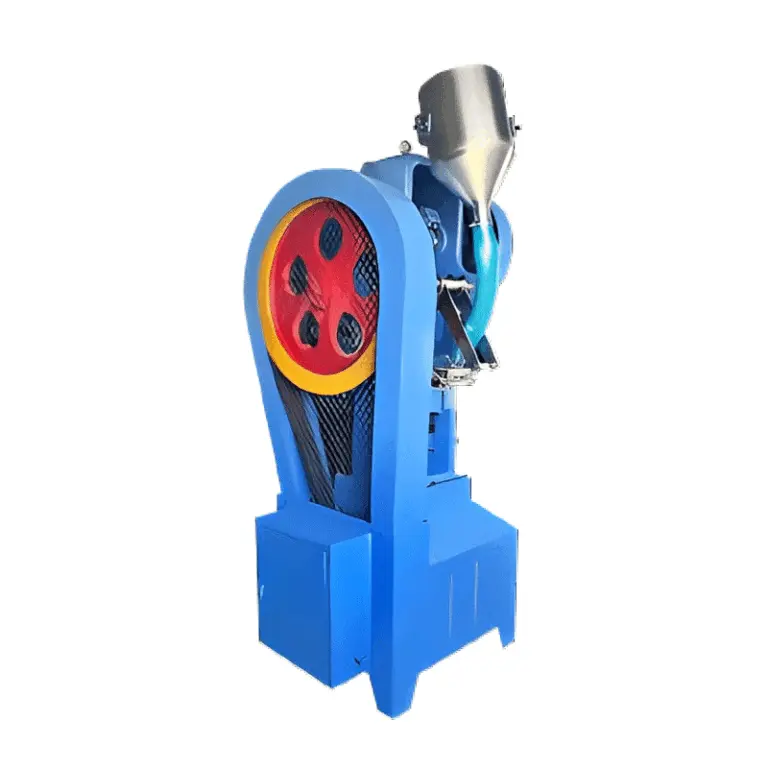
Tablet Press Machine Adjustments for Lamination
The equipment review should focus on the compression profile, powder feeding, and tooling.
Potential adjustments include:
- Reviewing pre-compression settings.
- Checking whether turret speed is too high for the formulation.
- Inspecting punch and die surfaces.
- Confirming correct tooling installation.
- Checking powder fill consistency.
- Reviewing compression force against the validated range.
If lamination continues after equipment adjustments, the formulation and granulation process should be investigated. Changing the tablet press machine alone may not solve a problem originating from powder characteristics.
Tablet Press Machine Troubleshooting for Soft Tablets
Soft tablets may show poor mechanical strength, excessive friability, or damage during downstream handling.
One possible cause is insufficient compression force. However, tablet hardness is not determined by compression force alone. Particle size distribution, moisture, binder level, granulation method, and lubricant concentration can all influence bonding.
A tablet press machine should therefore be adjusted only after the broader manufacturing conditions have been reviewed.
Tablet Press Machine Compression Adjustment
If compression force is below the established process range, a controlled increase may improve tablet strength. Operators should then verify tablet weight, thickness, hardness, disintegration, and friability as applicable.
Excessive compression should also be avoided. Very high compression force may create other problems, including capping, lamination, slow disintegration, or tooling stress.
The appropriate compression setting should be established through development and validation rather than selected solely according to the maximum capability of the tablet press machine.
Tablet Press Machine Troubleshooting for Weight Variation
Tablet weight variation is often associated with inconsistent die filling. The tablet press machine must deliver a relatively uniform quantity of powder into each die cavity before compression.
A powder blend with poor flowability can make this difficult. Mechanical issues involving the feeder, feed frame, powder level, or fill-depth adjustment can also cause variation. In a rotary tablet press machine, the continuous movement of multiple dies makes stable powder feeding especially important for maintaining consistent tablet weight across different stations.
When investigating weight variation, operators should first determine whether the problem is random or follows a recognizable pattern. A gradual change may indicate a powder-feed or hopper-level issue, while variation associated with specific stations may suggest tooling or mechanical problems.
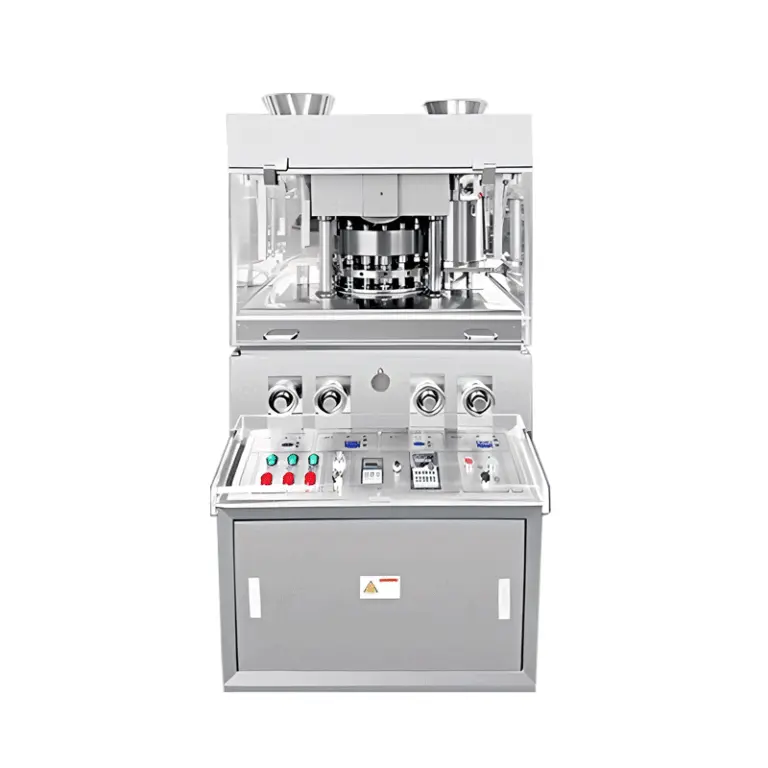
Tablet Press Machine Feeding Adjustment
The following points should be checked:
- Powder level above the feeder.
- Feeder or feed-frame condition.
- Fill-depth setting.
- Powder flow through the feeding system.
- Turret speed.
- Punch and die condition.
- Presence of powder buildup.
- Segregation within the formulation.
If powder flow is unstable, simply increasing feeder speed may not solve the problem. The formulation may require better flow characteristics, or the feeding system may need adjustment within its designed operating range.
FDA cGMP requirements emphasize appropriate in-process controls and examination of unexplained discrepancies between theoretical and actual yields. Weight-related deviations should therefore be investigated and documented rather than corrected through undocumented machine adjustments.
Tablet Press Machine Troubleshooting for Sticking
Sticking occurs when powder or granulated material adheres to the punch face. The problem can interfere with tablet appearance and may gradually affect compression stability.
Sticking is often associated with formulation characteristics, moisture, insufficient lubrication, or unsuitable tooling surfaces. Nevertheless, tablet press machine settings can influence the severity of the problem.
High compression force, excessive powder accumulation, or inappropriate operating speed may increase the tendency for material to remain on the punch.
Tablet Press Machine Adjustments for Sticking
The first step is to inspect the punch faces and dies. Any buildup should be addressed according to the approved cleaning procedure.
Operators should then review:
- Punch surface condition.
- Powder moisture.
- Lubricant distribution.
- Compression force.
- Turret speed.
- Feeder performance.
- Tablet formulation.
The use of a tablet press machine at an excessive speed should not be treated as the only possible cause. If the formulation itself has strong adhesion characteristics, equipment adjustments may provide only partial improvement.
Tablet Press Machine Troubleshooting for Picking
Picking is related to sticking but usually refers to material adhering to the engraved areas of the punch face. It can cause incomplete logos, lettering, or surface defects, particularly when using multifunctional automatic rotary tablet pressing equipment for continuous production.
Punch engraving is particularly important because small recessed areas can retain material more easily than flat surfaces.
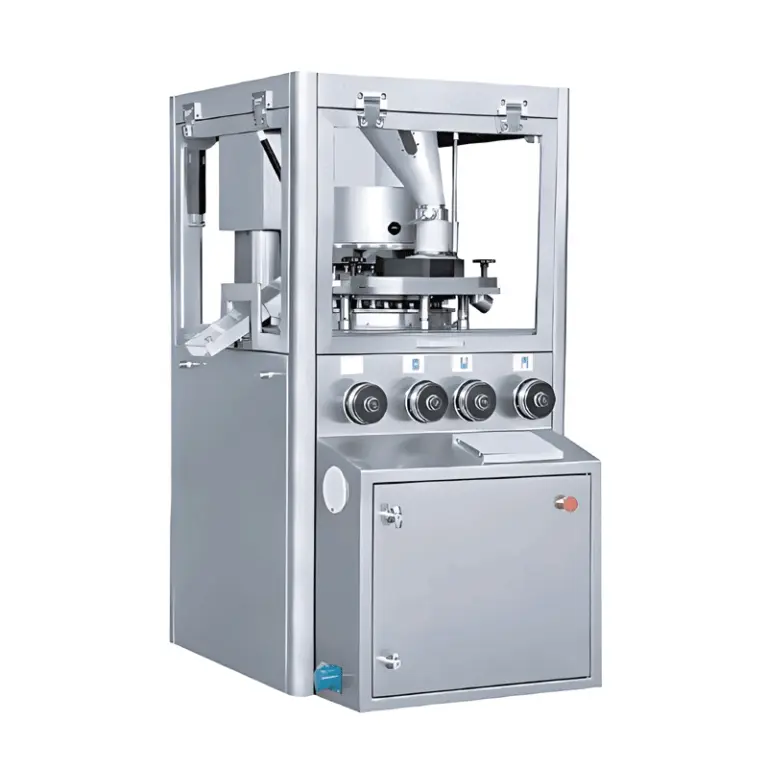
Tablet Press Machine Punch Adjustment
For a tablet press machine experiencing picking, operators should inspect the punch tips and engraved areas carefully.
Possible equipment-related actions include:
- Cleaning punch faces according to the approved procedure.
- Checking punch surface condition.
- Inspecting engraving for damage or excessive roughness.
- Verifying tooling alignment.
- Reviewing compression conditions.
- Checking whether powder buildup occurs during operation.
If the defect is consistently associated with one punch position, the tooling should receive particular attention. Replacing or reconditioning damaged tooling may be more appropriate than changing the overall compression settings.
Tablet Press Machine Troubleshooting for Chipping
Chipping occurs when part of the tablet edge breaks away during compression, ejection, or subsequent handling.
A tablet compression machine can contribute to chipping when tablet ejection is not smooth or when tooling alignment is incorrect. Excessive mechanical stress during ejection can damage otherwise acceptable tablets.
Operators should check the relationship between tablet thickness, compression conditions, punch movement, and ejection.
Tablet Press Machine Ejection Adjustment
If chipping occurs around the tablet edge, inspect the lower punch movement and ejection system. Check whether the tablet is being pushed out smoothly and whether excessive resistance is present.
Tooling should also be checked for wear, damage, or incorrect installation.
If equipment conditions appear normal, the formulation should be reviewed. Tablets with inadequate mechanical strength may chip during ejection even when the tablet press machine is functioning correctly.
Tablet Press Machine Faults Related to Compression Force
Compression force is one of the most important adjustable parameters on a tablet press machine. It affects tablet hardness, thickness, mechanical strength, and, depending on the formulation, other quality attributes.
However, compression force should not be treated as an independent setting.
An increase in compression force may improve tablet strength in one formulation while increasing the risk of capping, lamination, or slow disintegration in another. The relationship between force and product quality should therefore be established during development and confirmed during validation.
A tablet press machine should operate within defined process limits. Operators should avoid repeatedly changing compression force simply to compensate for an underlying feeding or formulation problem.
FAQ
What is the most common cause of tablet weight variation?
Unstable powder feeding and inconsistent die filling are common causes, but formulation flow properties, fill-depth settings, turret speed, feeder condition, and tooling should also be investigated.
How can capping be reduced on a tablet press machine?
Check powder properties, tooling, turret speed, pre-compression, and compression force. A controlled reduction in speed or adjustment of pre-compression may help when the problem is related to air entrapment or compression conditions.
Should compression force be increased when tablets are too soft?
It may help when insufficient compression is the cause, but compression force should be adjusted within the established process range. Formulation, moisture, granulation, lubrication, and tooling should also be evaluated before making a final adjustment.